Run a spreadsheet of items
Copy your rows from Google Sheets or Excel, paste them in, press Run, and take the results back out as a spreadsheet. Or upload a CSV.
›Read the transcript
A spreadsheet of products in. A listing for every one of them, out. Here's how.
Open Workflows, and pick Product listing pack.
In your spreadsheet, copy the column, header and all.
Press Paste rows, paste, and add them. One product per row.
Pick the pool with your API key, and press Run. The rows run side by side, as many at once as your key allows.
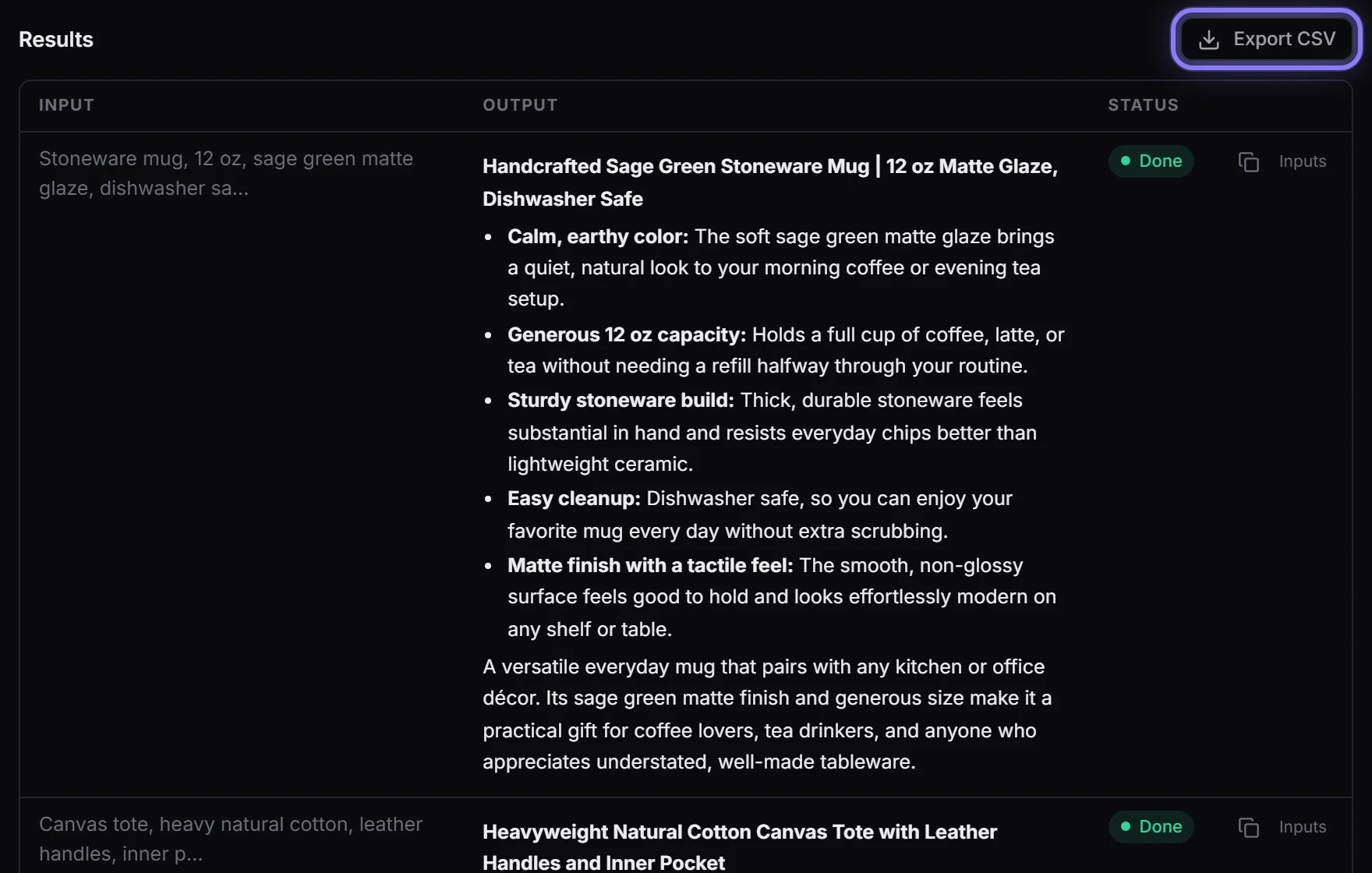
Five seconds later, every product has a title, five bullet points and a description.
Export CSV, and it's a spreadsheet again: each product, next to its listing.
FlowArray. Your whole sheet, in one run.
Typing rows is fine for three items and miserable for a hundred. Your products are already in a spreadsheet: copy them in, run them all at once, and take the results back out as a spreadsheet, each one next to the row it came from.
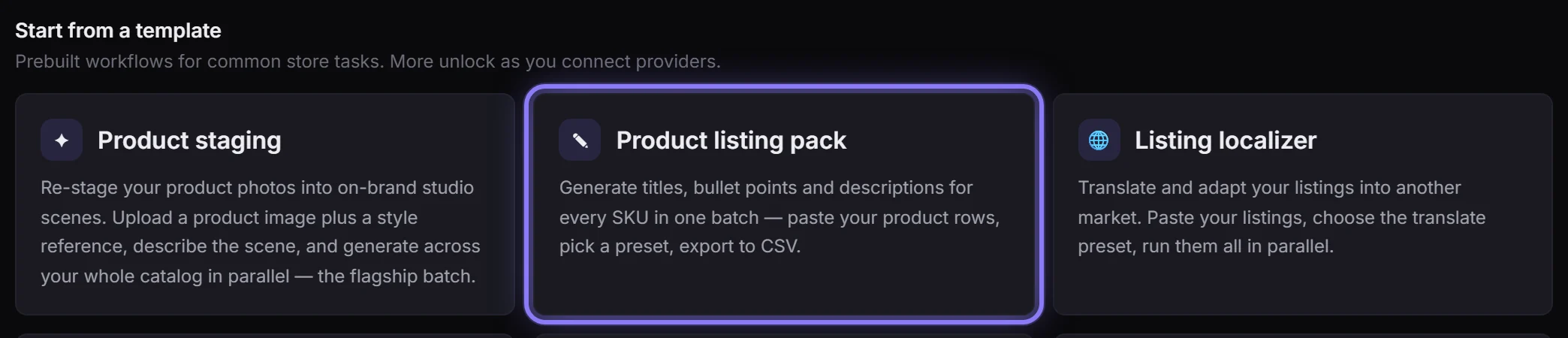
Step 1: Open the template you want to run
Go to Workflows and pick the template that does the job for one row. We used Product listing pack: a title, five bullet points and a description for every product.
Step 2: Check the column's name
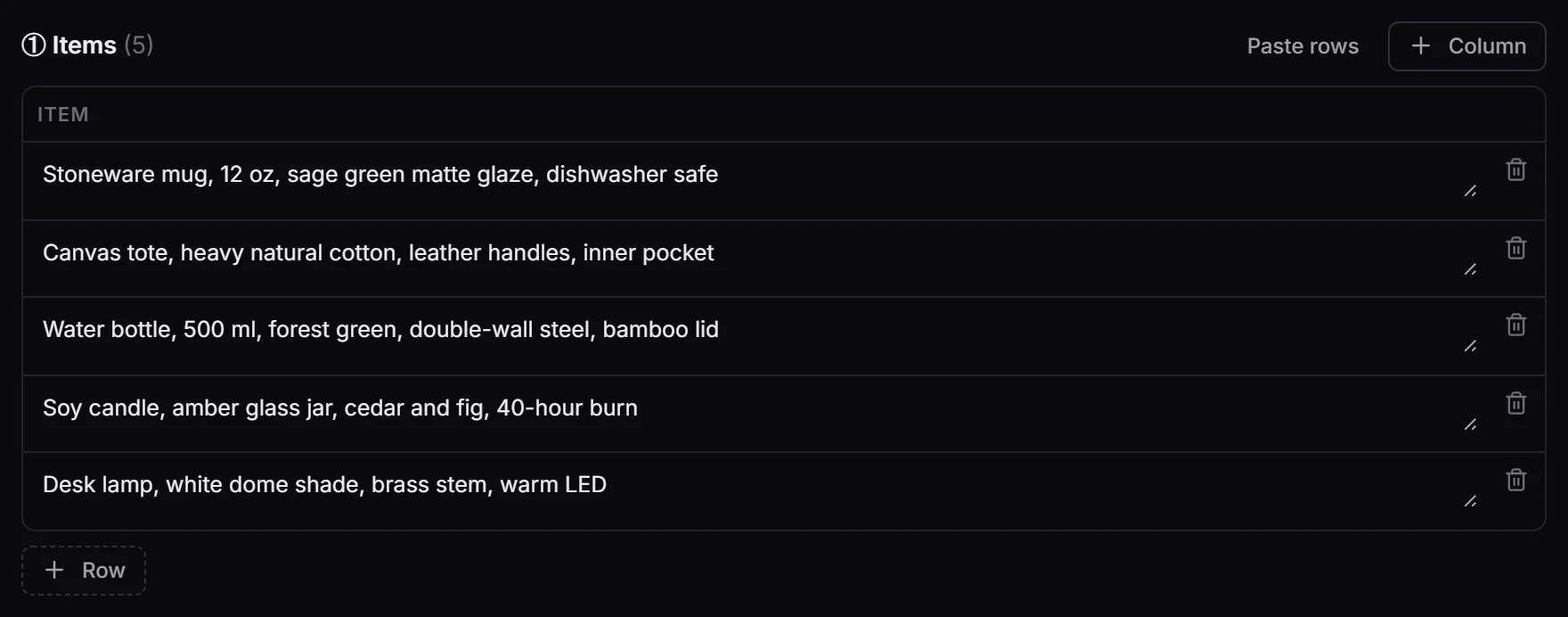
The Items table's column header is the name your sheet's header needs: here item. Rename the header in your sheet to match, or add a column here with + Column. Columns your flow doesn't use are left out (you'll be told which).

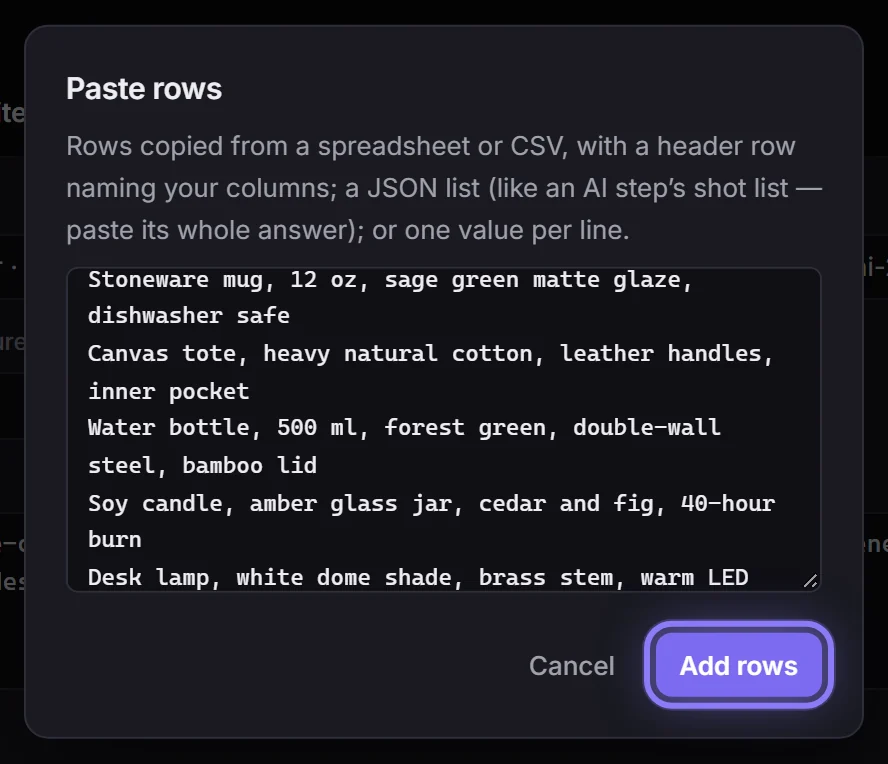
Step 3: Copy your rows and paste them in
In Google Sheets, Excel or Numbers, select the rows with their header row and copy them. Press Paste rows, paste, and press Add rows. Several columns arrive in their own columns; text with commas in it stays whole.
Step 4: One product per row
Each row of your sheet is now a row here, and Items (5) counts them. Fix any cell right in the table before you run.
Step 5: Pick your pool and press Run
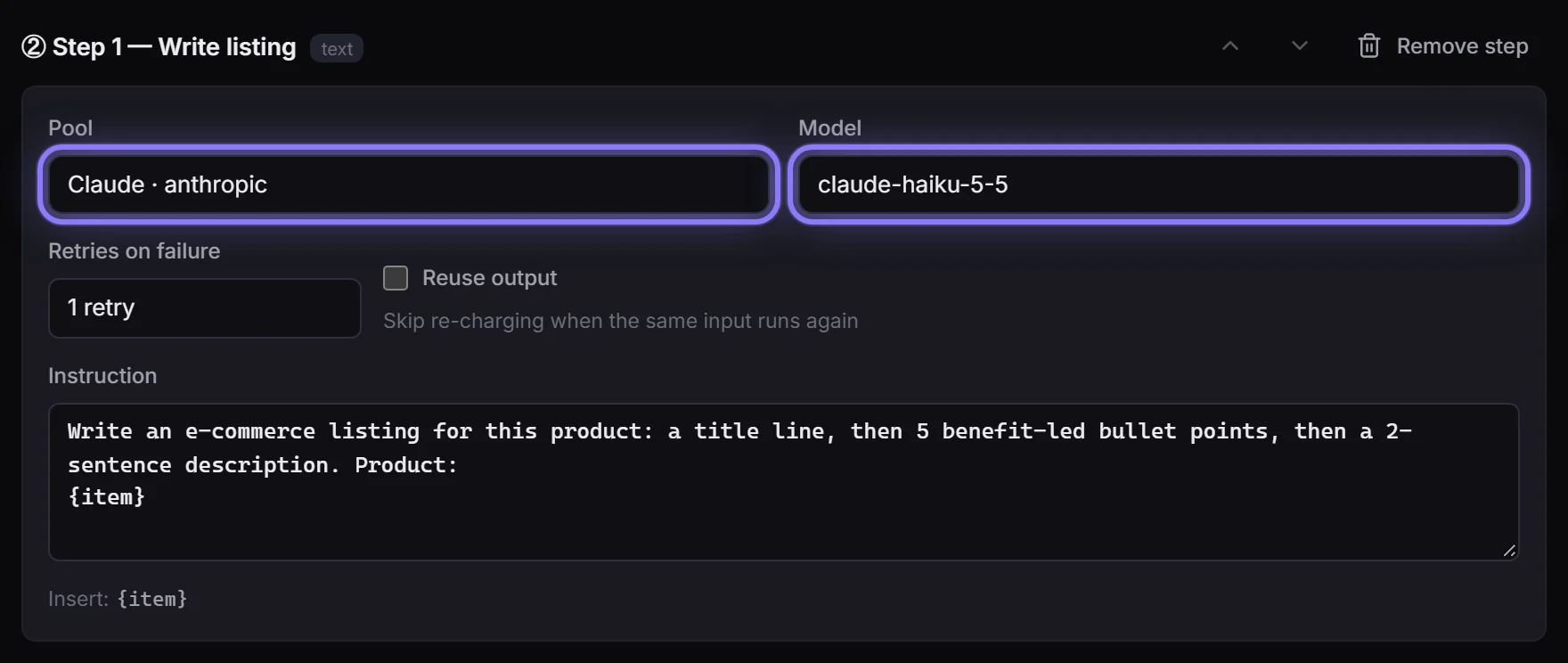
Set Pool to the pool with your API key; the model changes to that provider's default, and you can type another. Press Run: the rows run side by side, as many at once as your keys allow. Our five were done in about five seconds.
Step 6: Read the results, then Export CSV
Every row's result appears under Results. Export CSV downloads them as a spreadsheet: each item's name, the columns it was given, then what it made, ready to open in Sheets or Excel.
In this article (11)
Paste or upload?
Paste (above) is quickest for a sheet you have open. A saved workflow can also take a whole sheet as a file:
- Download the template. Press Batch on a saved workflow's card (or in the Builder's top bar) and download the CSV. The columns come from your flow's own batch card, so the header is always the right shape.
- Fill it in. One row per item. Text cells as they are. Image cells take a public image URL.
- Upload and run. Choose the file and press Run batch. It becomes a normal run, visible in Runs like any other.
How image columns are named in the CSV
An image column arrives in the CSV with a suffix, so it is obvious what belongs there:
| Batch card column | CSV header | Contents | |
|---|---|---|---|
product_image (one image) | product_image_url | One public image URL | |
inspiration (several images) | inspiration_urls | Several URLs, separated by ` | ` or a comma |
The downloaded template includes an example row showing exactly that. (Pasting fills text columns; drop images into their cells, or use the CSV.)
The limits, plainly
- 200 rows per uploaded sheet. More than that is refused with a clear message rather than half-run.
- Images must be publicly reachable over http(s) and at most 12 MB each. FlowArray fetches them server-side and stores a copy, so a URL that needs a login, or an internal/loopback address, is refused: a deliberate guard, not a bug.
- A row with an empty image cell simply has no image for that column. If a step needed one, that item will fail on its own without affecting the rest.
- An uploaded sheet must be CSV.
Getting it right first time
Before running two hundred rows, run the same sheet cut to three rows and look at the Data tab: column typos and empty cells show up there for $0 rather than costing a full batch. The commonest mistake is a header renamed by hand so it no longer matches the flow's column.